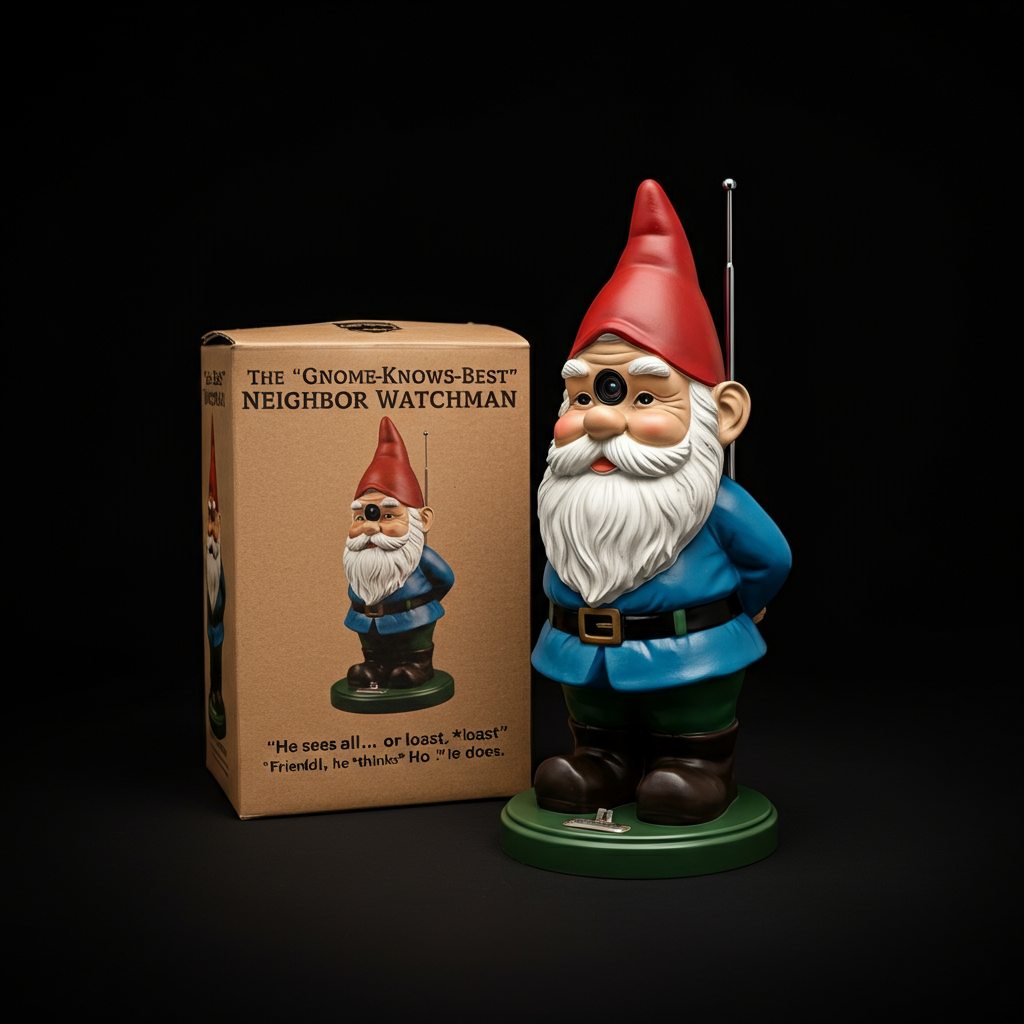
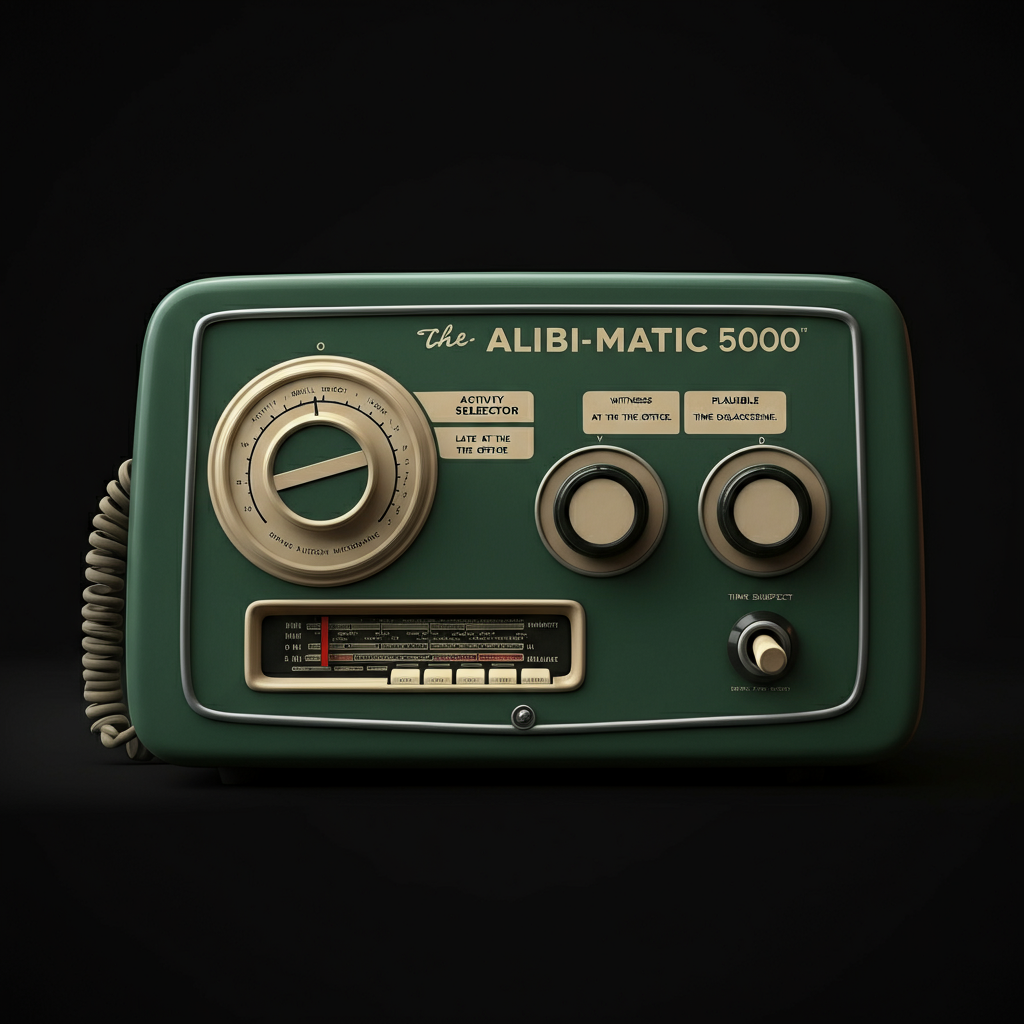
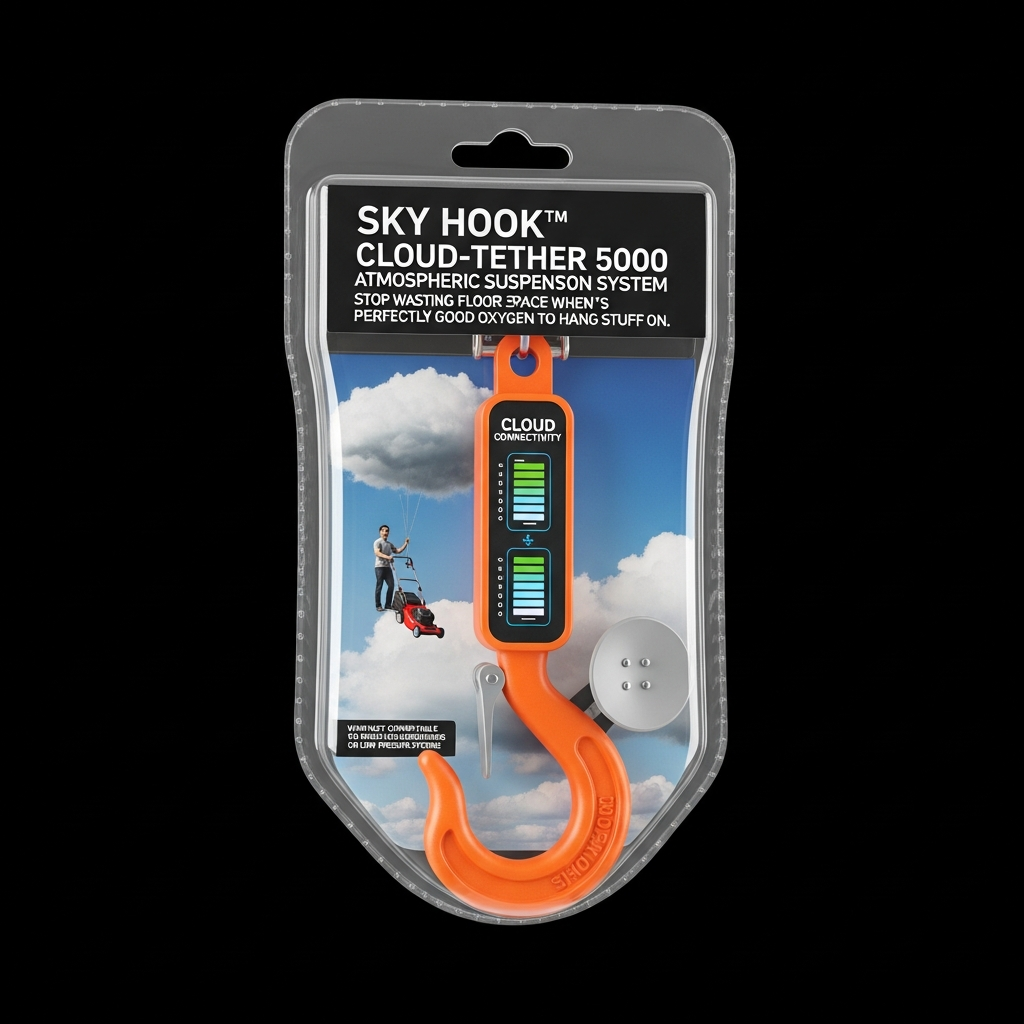
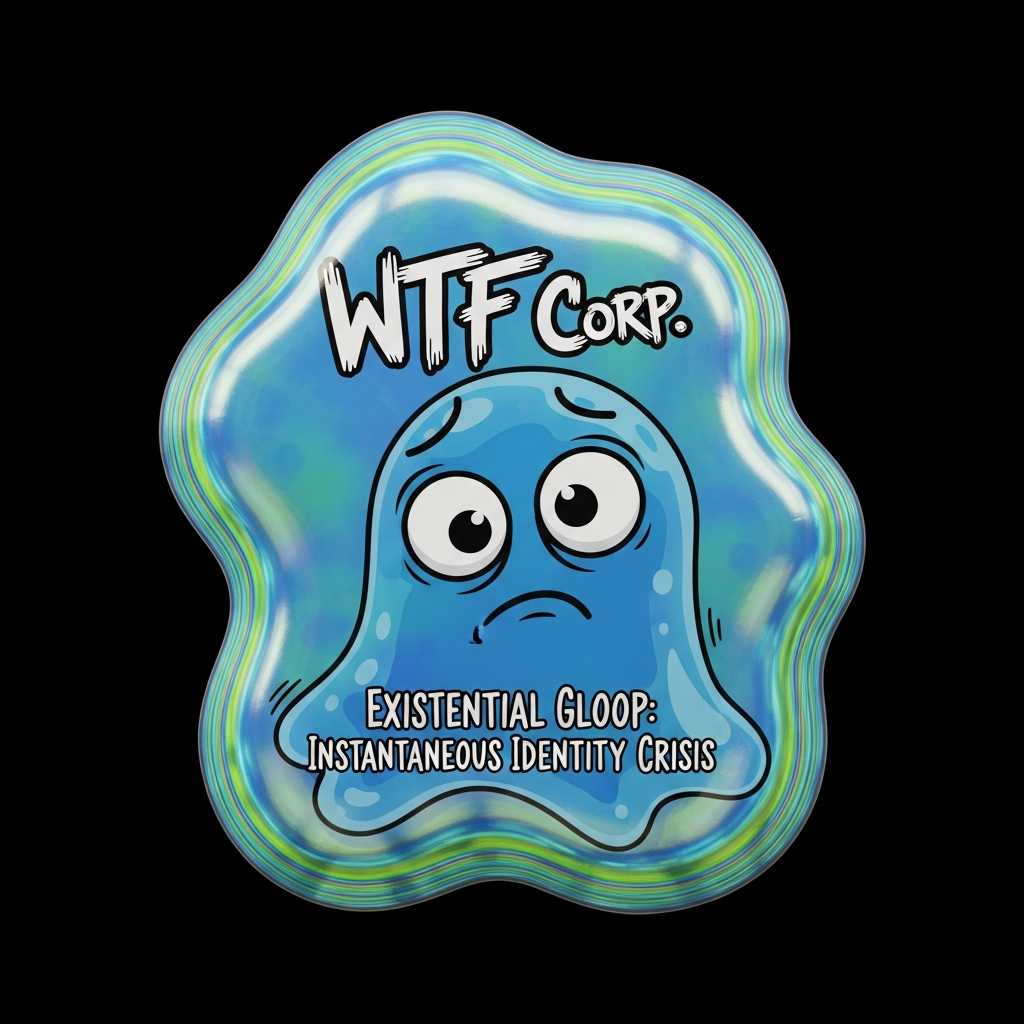
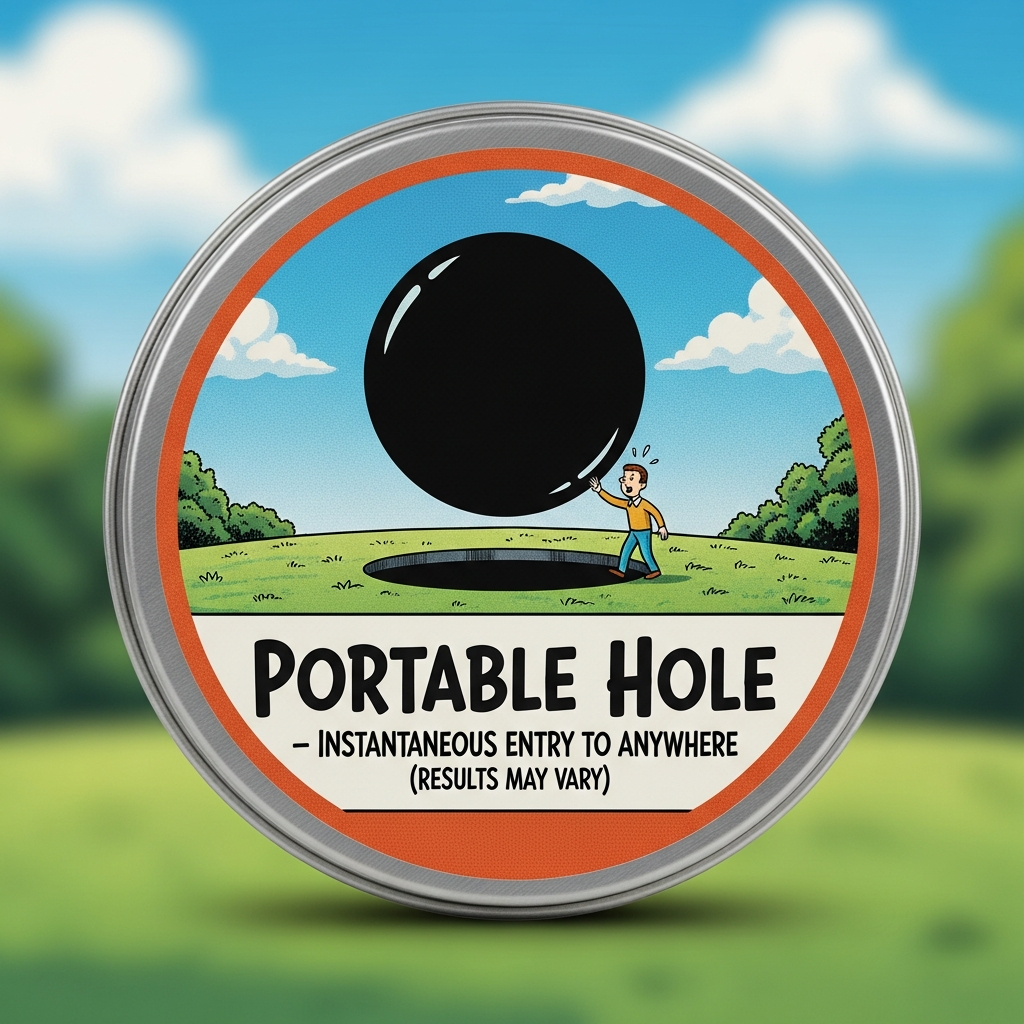
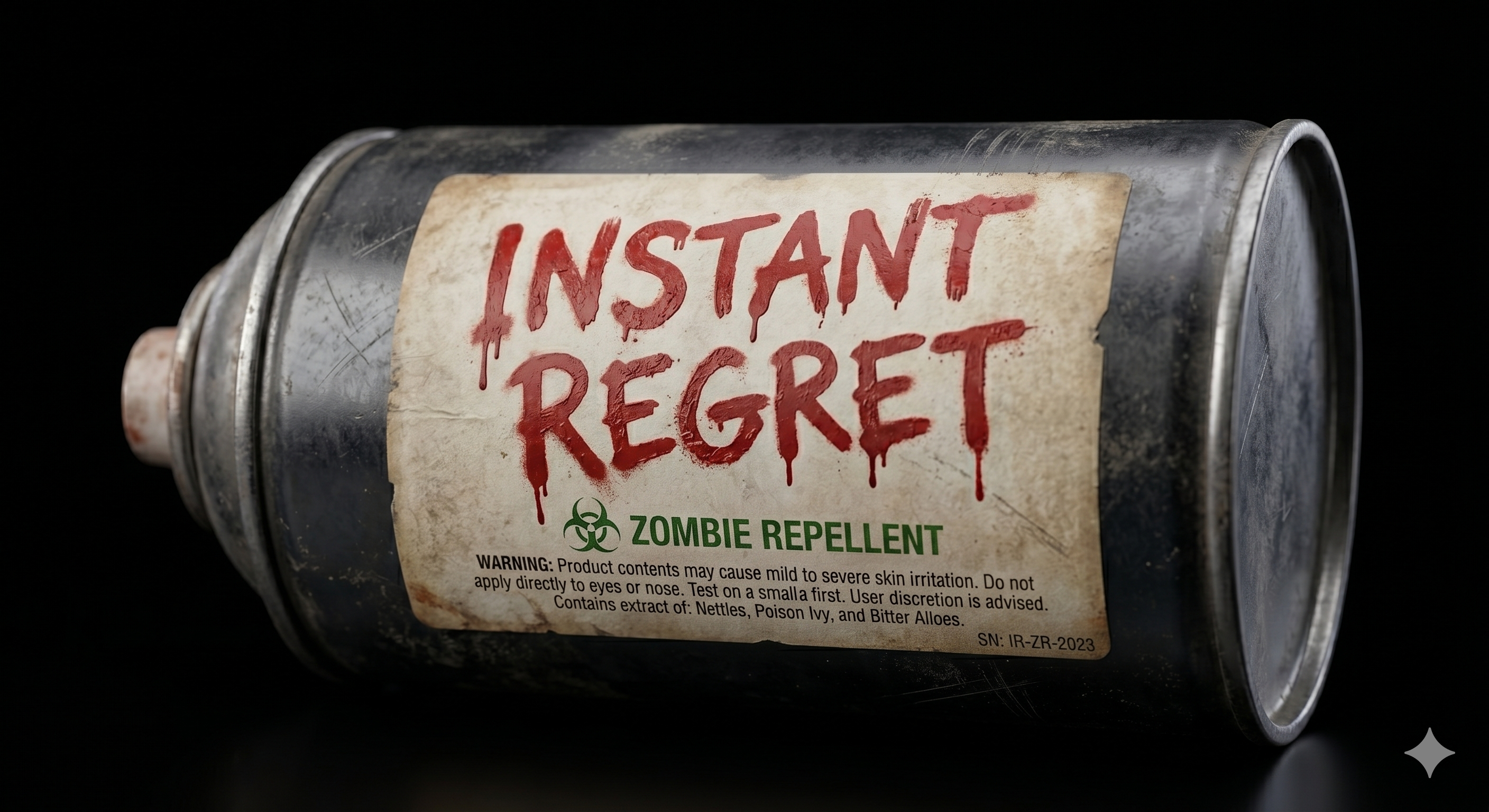
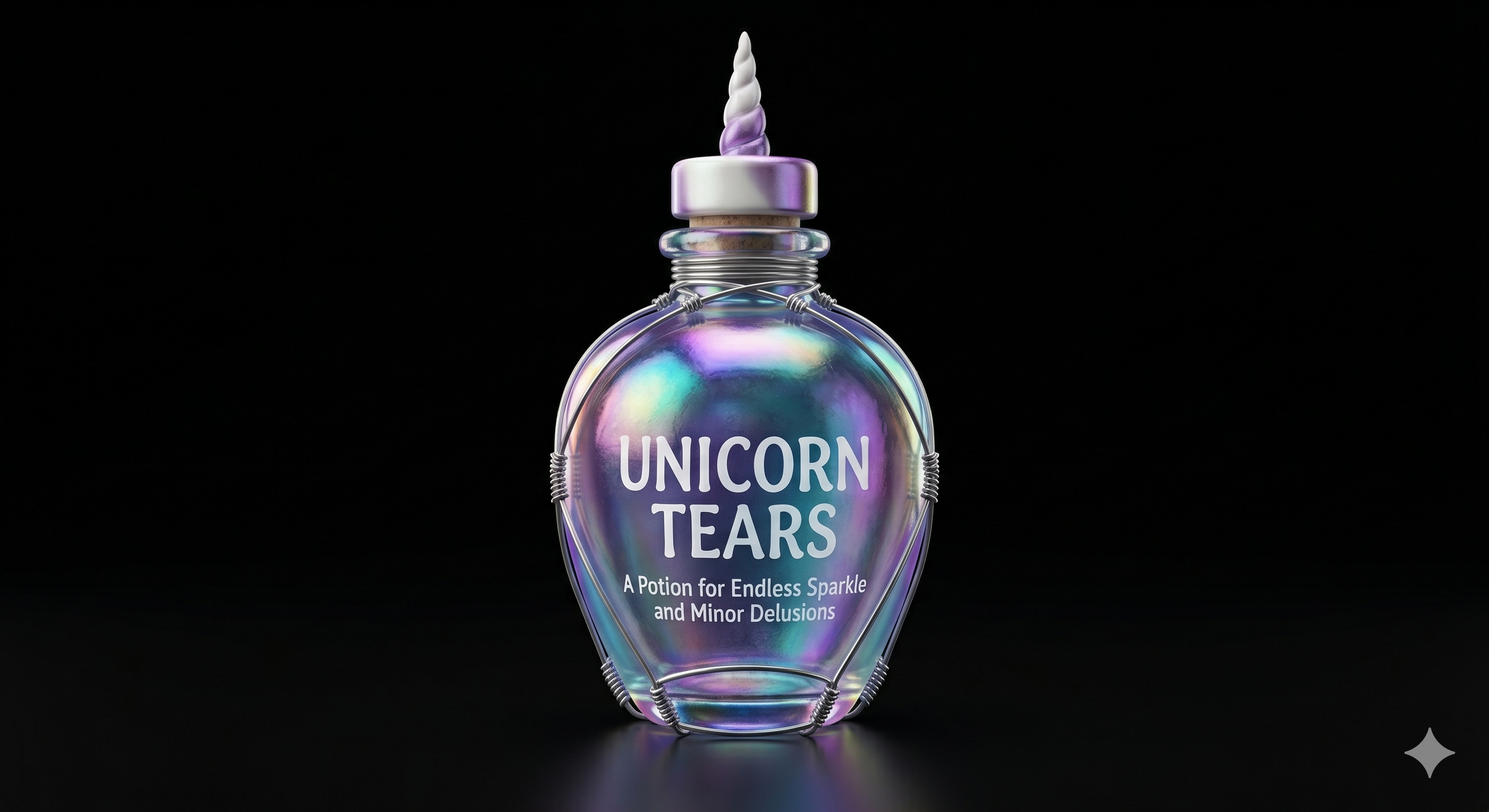
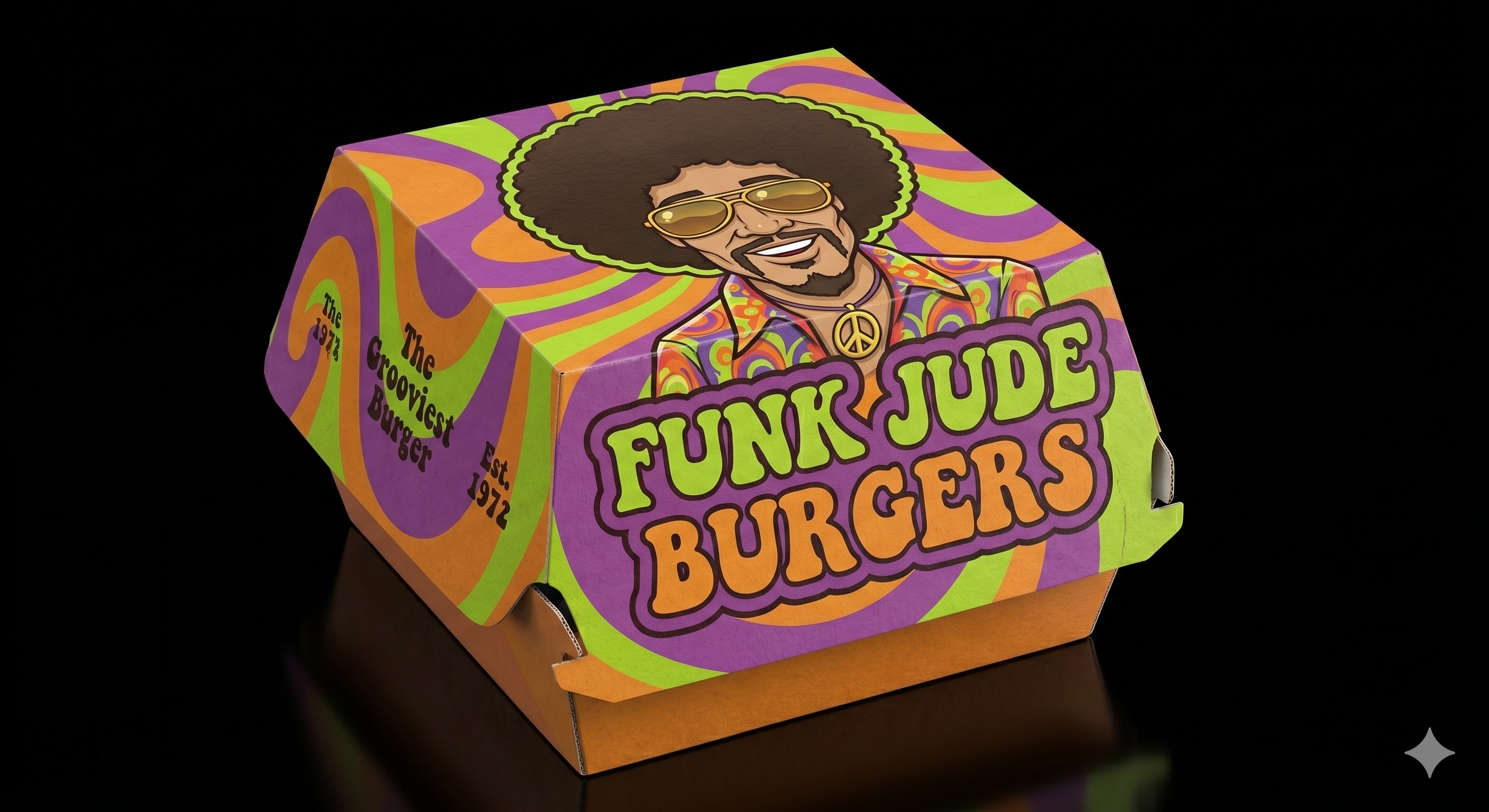
If you’ve spent any time playing with AI image generators, you know the frustration. You ask for a few variations of a concept—maybe a batch of funny fake products, or some isolated game assets—and what does the AI do?
It spits out a useless grid mosaic. Or worse, it draws a crowded supermarket shelf full of tiny, un-croppable items.
When you need individual, isolated assets, standard AI interfaces can be a massive headache. On top of that, while image models are great at rendering photorealistic pixels, they are notoriously terrible at being funny. Ask an image model for a "funny product," and you'll usually get a garbled brand name and a joke that makes absolutely zero sense.
I got tired of cropping grids and dealing with bad AI humor, so I built a custom tool to fix it. Here is how I built an "Isolated Asset Generator" that actually works. Here it is for you to copy. (You need to be a Gemini Pro or Gemini Plus user for that to work.)
A more sophisticated version of this tool is integrated into NeuraScene.app
The Problem: The Grid and the Unfunny AI
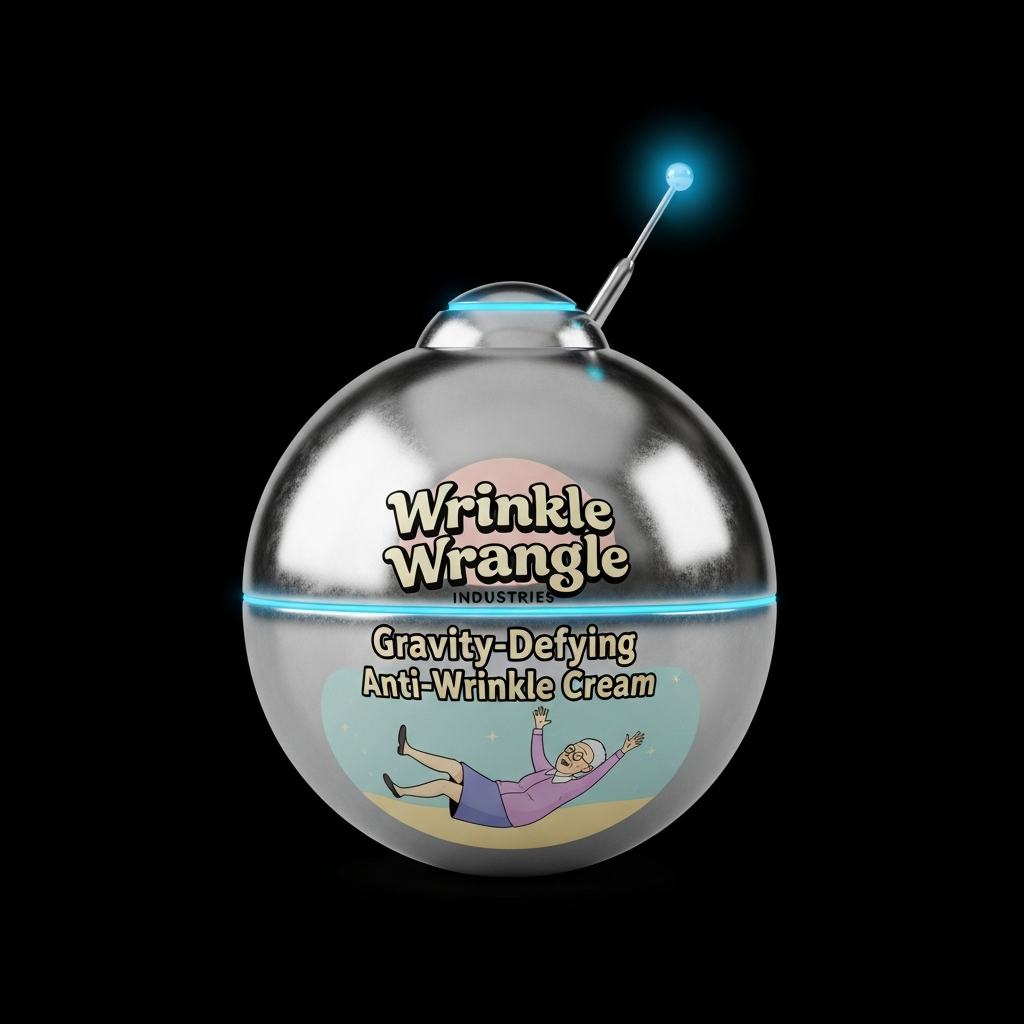
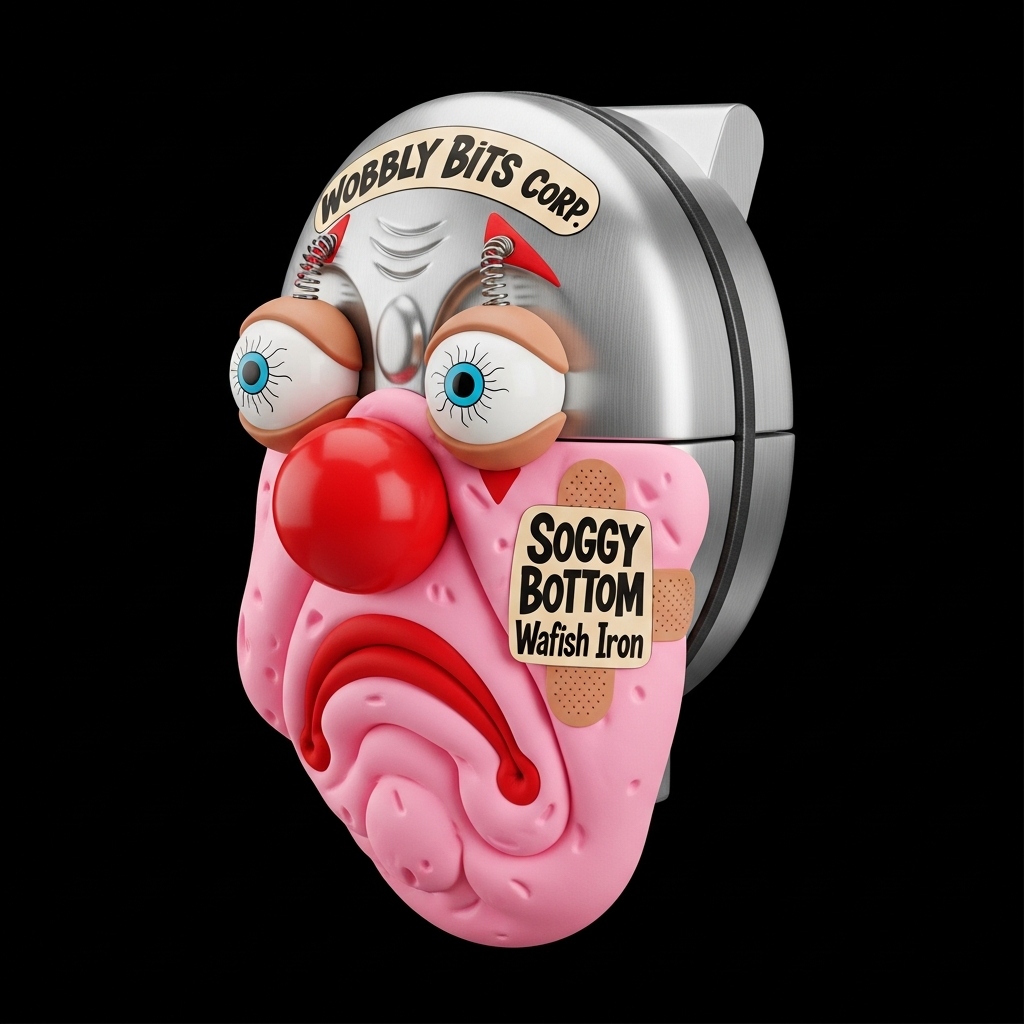
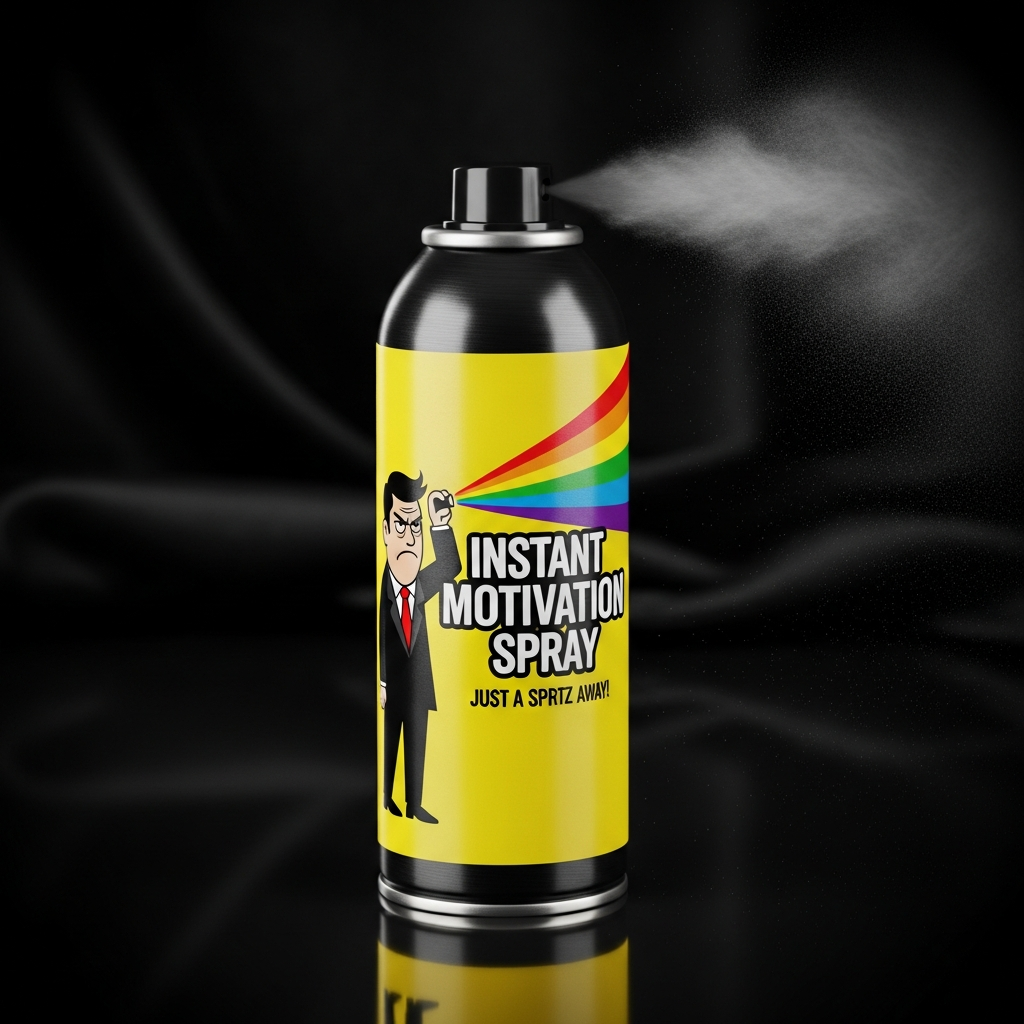
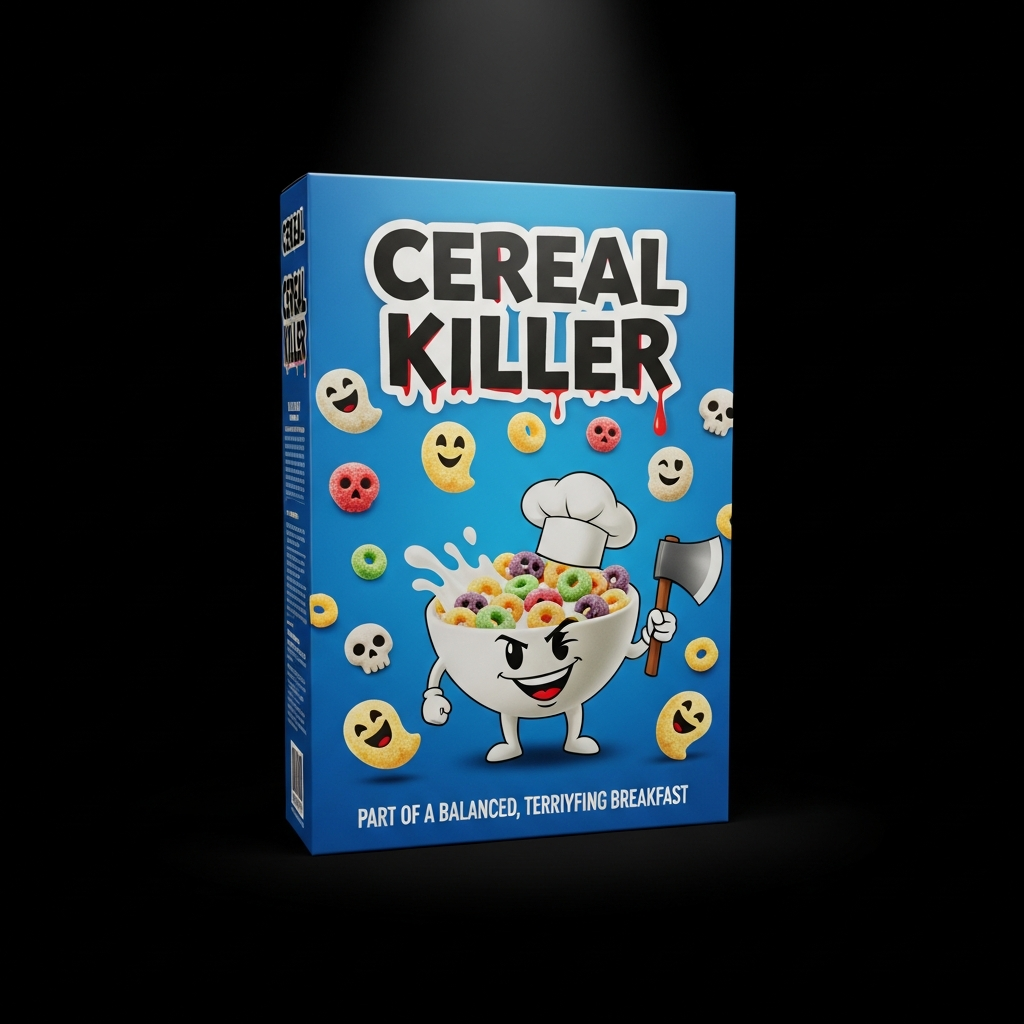
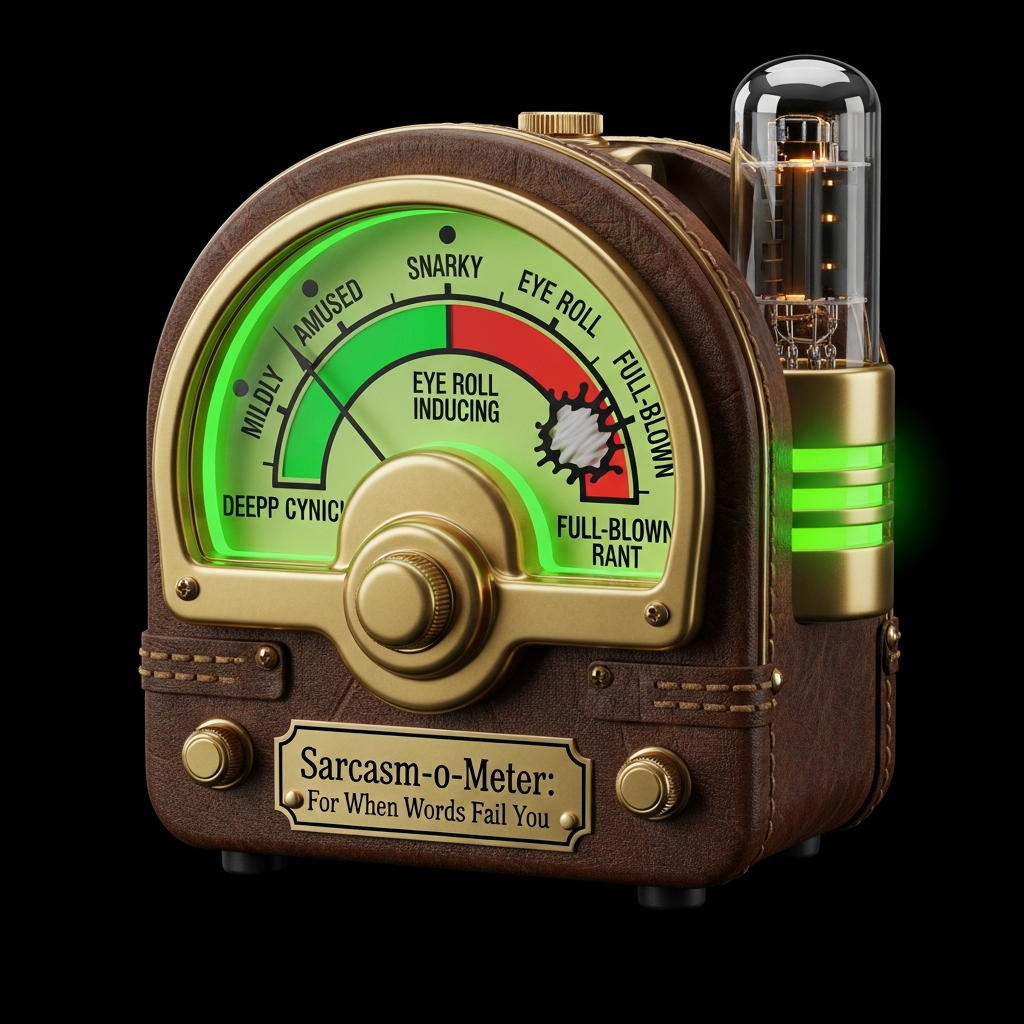
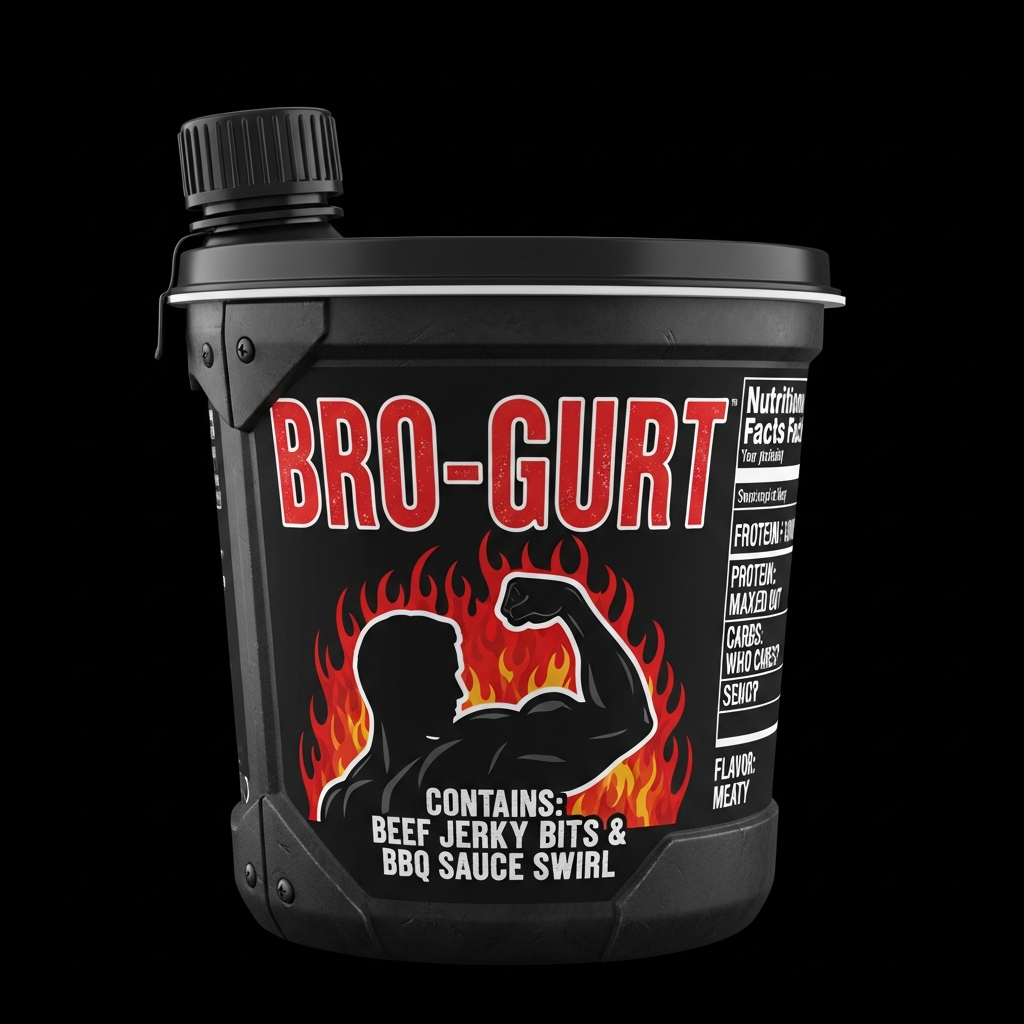
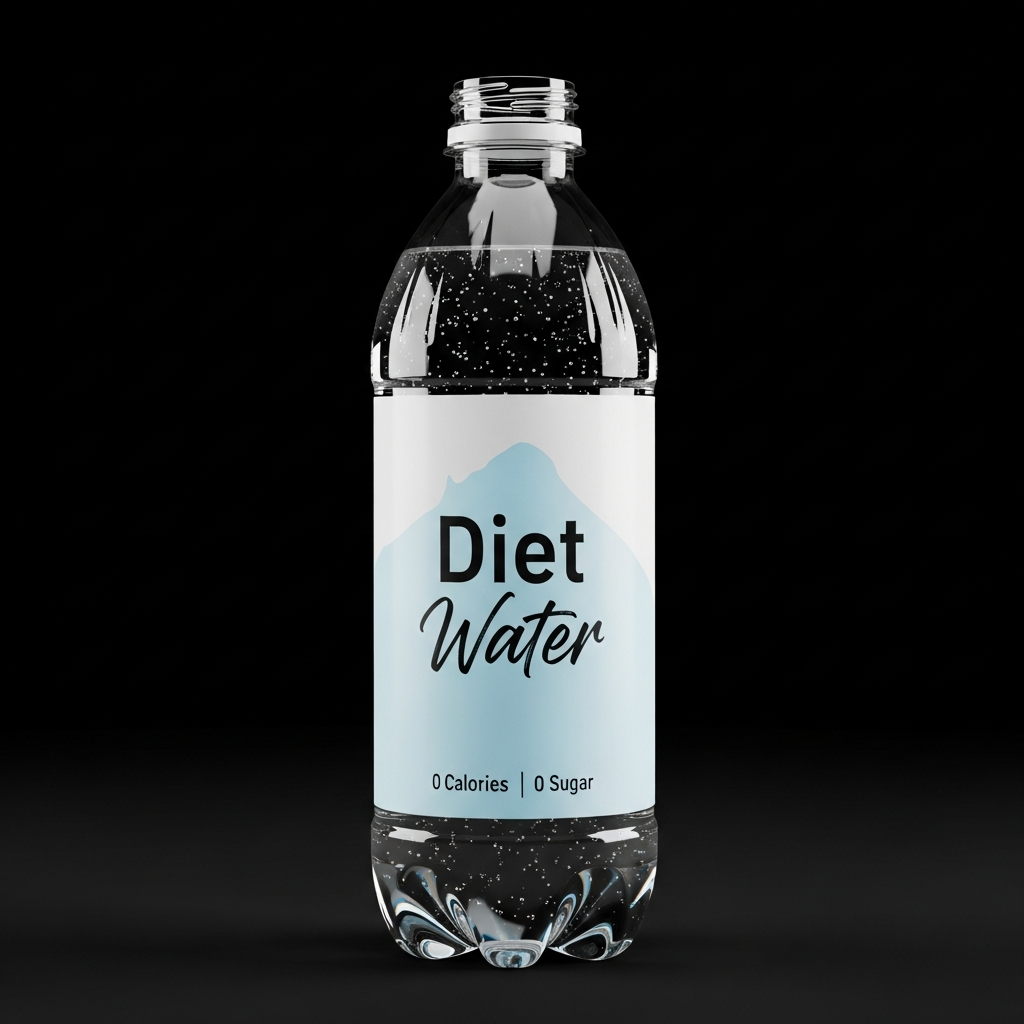
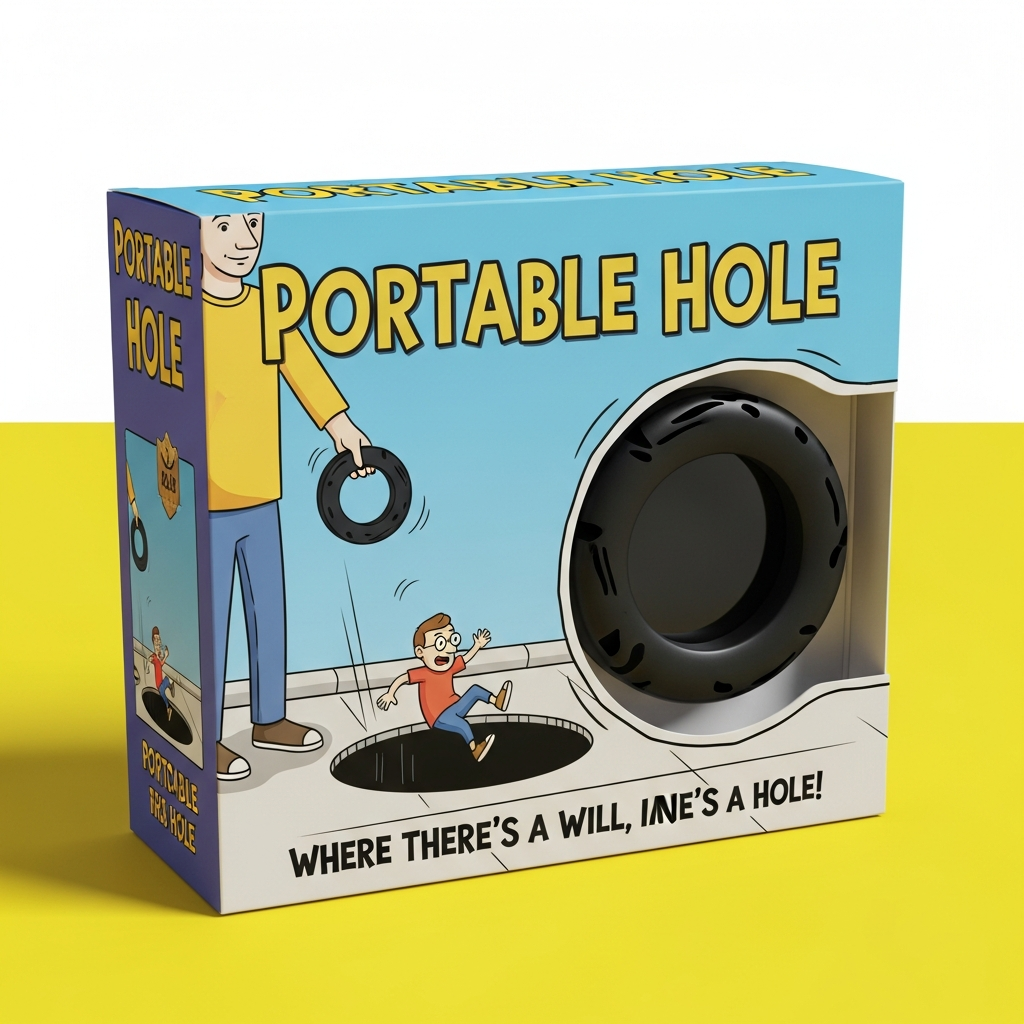
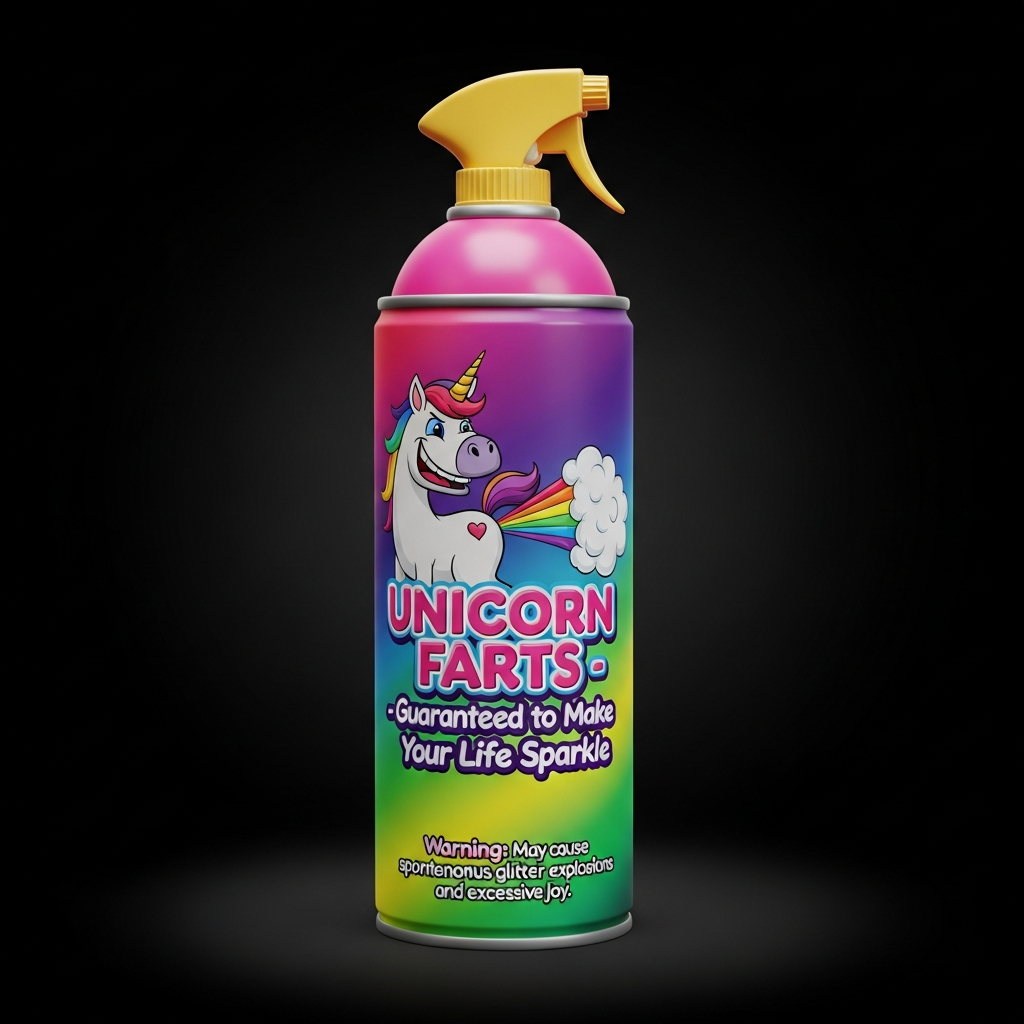
My goal was simple: I wanted 20 isolated images of funny, fake products (like "Nuclear Deodorant" or "Breakfast Beereal") on solid black backgrounds.
The initial attempts were... painful.
The Grid Problem: Even when told to generate separate images, the AI kept sneaking multiple products into a single frame.
The Creative Rut: After generating three or four concepts, the AI would get lazy, churning out the same exact shapes with slightly different colors.
The Humor Deficit: The visual models just couldn't write a punchy, satirical slogan to save their lives.
The Solution: A "Brain & Brawn" Pipeline
To fix this, I realized I couldn't just rely on an image generation model. I needed to separate the joke writing from the rendering. I updated my tool to use a two-step AI pipeline working behind the scenes.
Step 1: The Brain (The Comedy Writer)
Instead of asking the image model to be funny, the tool first talks to a text-based LLM (like Gemini 2.5 Flash). Behind the scenes, it sends a prompt like this:
"You are a comedy writer. Brainstorm ONE highly original, hilarious product that does not exist. Give it a catchy name, a funny marketing slogan, and describe what it looks like."
The text AI comes back with absolute gold. For example, it might invent "The Insecurity Blanket" with the slogan "Now heavier to match the weight of your existential dread!"
Step 2: The Brawn (The Renderer)
Once we have a genuinely funny concept, the tool automatically hands that specific description over to the image generation API.
To completely kill the "grid" problem and the "creative rut", the tool secretly injects a strict set of rules into every single render request:
The Anti-Grid Command:
CRITICAL INSTRUCTION: Draw ONLY ONE single, isolated object on a pure black background. DO NOT draw a grid, mosaic, collage, or multiple items.The Unique Seed: It generates a randomized cryptographic string for every image request. This forces the AI's latent space to radically shift its concept, guaranteeing no two products look alike.
The Result
The result is a web tool that lets me type in a generic prompt like "Absurd household cleaning products," select a quantity (like 20), and hit generate.
I can sit back and watch as the UI first brainstorms the jokes (displaying the hilarious names and slogans as they generate), and then renders each one into its own completely separate, high-resolution canvas. No mosaics. No cropping required.
I even added a "Download All" button that sequentially saves all the successful, isolated images directly to my hard drive in one click.
(If you are sharing the actual HTML code or hosting the tool, you can put the link or code block here!)
Have you guys struggled with AI models forcing grids on you? Let me know your workarounds in the comments!